
Garage Door Keypad Not Working? Fixes by Brand (and Why a New Battery Didn't Help)
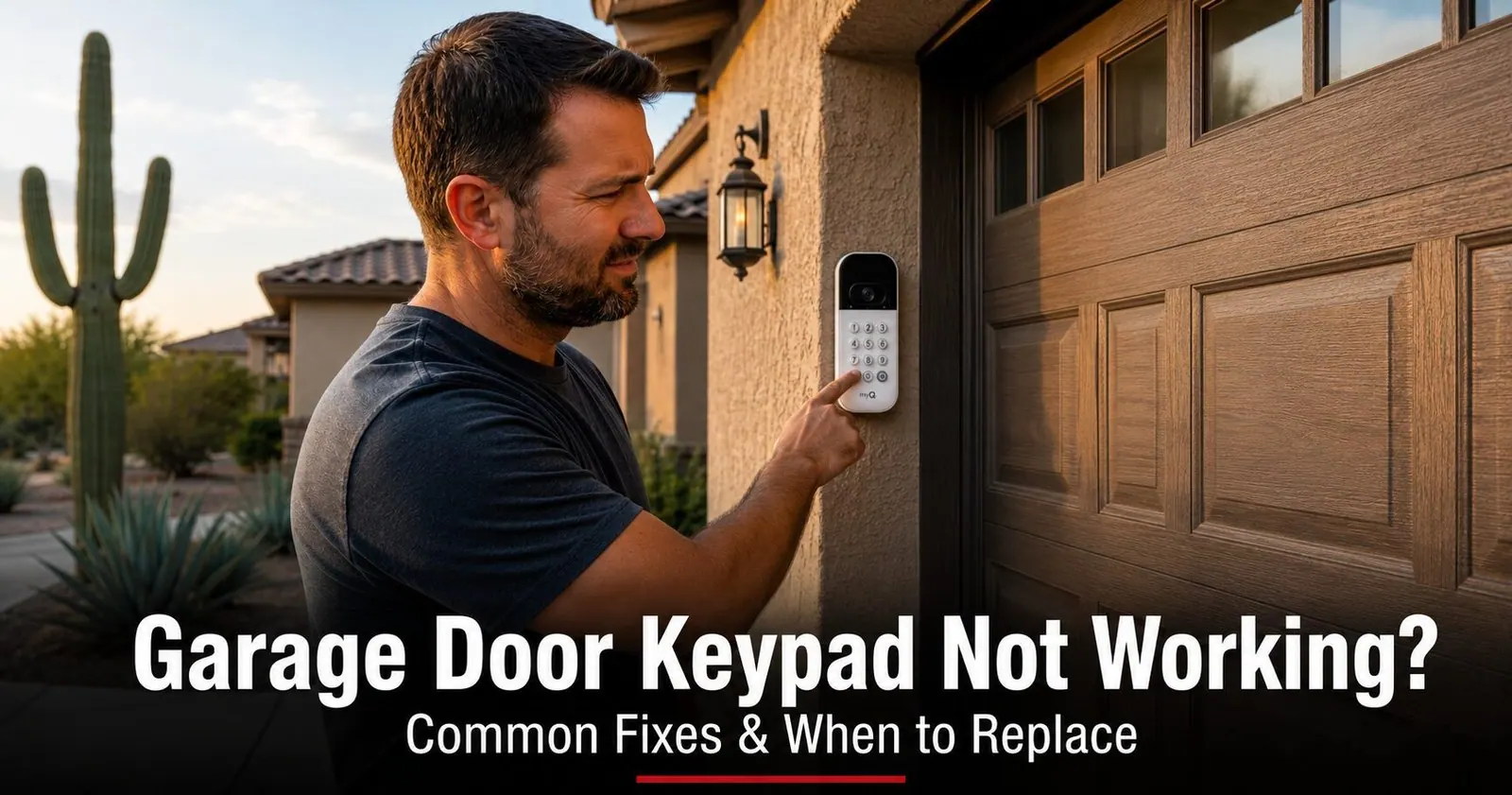
You walk up to the garage, punch in the code you've used a hundred times, and nothing. No beep, no hum, no door. Maybe the buttons don't even light up. Or maybe you already swapped the battery and it still ignores you, which is the version of this problem we hear about most.
A keypad is the simplest part of the whole system: a battery-powered radio with a number pad on the front. It's also the only part that lives outside, so around Mesa and Phoenix it gets cooked by sun, soaked sideways by monsoon rain, and reset by storm surges. The fixes below are ordered the way our technicians work through them on a service call, cheapest and most common first, so you can stop the moment the door starts working again.
Start Here: Is It the Keypad or the Opener?
Take a minute to figure out which half of the system is failing. This is the first thing our technicians check, and it keeps you from buying a new keypad when the real problem is a button on the wall.
- Open the door another way. Press the wall button inside the garage, then try a remote. If both work, the opener is healthy and your problem is on the keypad side. If the remote fails too but the wall button works, skip to the Lock mode fix below: that's the pattern it leaves.
- Watch the keypad backlight. Do this in shade or at dusk. Press a single digit. If nothing lights up, you have a power problem at the keypad: battery, corroded contacts or water. If the keys do light up but the door won't move, the keypad is alive and transmitting, and the opener isn't acting on it.
- Note which keys light. If some digits respond and others are dead, no amount of reprogramming will help. The keypad face has failed (fix 5).
- If nothing works from any control, including the wall button, this isn't a keypad problem at all. That points to lost power, a tripped outlet or a failed opener board, which is a different repair.
Changed the Battery and It Still Won't Work? Four Reasons Why
This is the single most common version of the call we get, and it has a short list of causes. Work through them in order.
1. The new battery is sitting on corroded contacts
Heat-stressed batteries leak. The electrolyte creeps onto the spring contacts and leaves a white or greenish crust that insulates them, so a brand-new cell reads as dead. Open the compartment and look at the metal, not just the battery.
2. The battery is weak, backwards or the wrong type
Batteries from an opened pack that sat in a hot garage can be half-flat before you install them. Many keypads take a single 9-volt; others take one or two AAA cells, and a few older units use a 12-volt A23. Mixing those up is easier than it sounds.
3. The keypad lights up now, but the opener forgot it
Good news: the new battery worked. The keypad has power. What's missing is the pairing between the keypad and the opener, which can be cleared by a long-dead battery, a power surge or someone holding the LEARN button too long while adding a remote. The keypad happily accepts your PIN and transmits; the opener no longer recognizes the signal.
4. The keypad face has worn out
If a fresh battery on clean contacts produces light behind some keys and not others, or no light at all, the flexible membrane under the buttons has cracked. It happens fast here: the digits in your PIN take the most presses and fail first.
9 Fixes to Try Before You Replace the Keypad
Cheapest and most common first. Most keypads are back in business by fix 5.
1. Replace the battery
A dead or weak battery is still the number-one cause of a keypad that won't respond. The tell-tale sign is no backlight at all. Because the keypad is mounted outside on a wall that can hit 140°F on a summer afternoon, that battery quits a season or two early, and often leaks on the way out.
2. Clean the battery contacts
White or green powder in the battery bay means a cell leaked. The crust stops current flowing even with a new battery on top of it, which is why so many "I already changed the battery" calls end here.
3. Check Lock (Vacation) mode on the wall console
Free, takes ten seconds, and it's the one people spend an afternoon missing. Most wall consoles made in the last 15 years have a Lock or Vacation button that disables every wireless device, keypad and remotes alike, while the wall button keeps working normally. It gets knocked by a shoulder, a broom handle or a curious kid.
4. Re-enter your PIN and finish it properly
Brands differ on how a PIN is submitted. LiftMaster and Chamberlain keypads want the digits followed by Enter (or #). Genie and Overhead Door keypads use the arrow or Send key. Some act on the last digit alone. If you've just moved into a house with a different brand than you're used to, you may be entering a perfectly good code and never actually sending it.
5. Reprogram the keypad to the opener
The keypad lights up, accepts your PIN, and the door does nothing. That is lost pairing, and it is common after a monsoon power surge, a brownout on a peak-demand afternoon, or a battery that sat dead for weeks. The keypad is fine; the opener simply no longer recognizes it.
6. Check for a faded, cracked or sticky keypad face
This is the most Arizona-specific failure of all, and the one generic advice skips because in a mild climate it takes decades. Ultraviolet light hardens the membrane under the buttons, the wall swings through a huge temperature range every day, and eventually the layer cracks or its printed traces lose continuity. Individual keys die first, usually the ones in your PIN.
7. Dry out dust and moisture inside the housing
Keypads are weather resistant, not waterproof, and the seals are the first thing to age. Monsoon rain arrives sideways, fine desert dust works past a hardened gasket, and either one corrodes the small board behind the keys. The failure is usually intermittent for weeks, fine one morning and dead the next, before it becomes permanent.
8. Fix a range problem: antenna and LED bulbs
The keypad has the hardest radio path on the system: outside, with a metal door and a wall between it and a receiver at the far end of the garage. Two things make it worse. The opener's thin antenna wire gets taped up, coiled or snagged by a ladder, and cheap LED bulbs in the opener's light sockets throw off enough interference to drown a weak signal from the driveway.
9. Power-cycle the opener, then rule out the receiver
An opener's logic board can occasionally lock up so its receiver stops listening even though the wall button works. If a reset doesn't help, and your remotes also fail while the wall button works and Lock mode is off, the radio receiver that listens for both the keypad and the remotes may have failed, often after a storm.
How to Reprogram a Garage Door Keypad, Brand by Brand
Every brand follows the same idea: open the opener's programming window with a quick press of the LEARN or Program button, then send the PIN from the keypad before the window closes. The buttons, the confirmation key and the number of tries differ. Find the sticker on the side or back of the motor housing for your brand and model.
LiftMaster, Chamberlain and Craftsman (Security+ and Security+ 2.0)
These three are all made by the same company and program the same way. Craftsman model numbers start with 139, and Craftsman openers accept LiftMaster and Chamberlain keypads of the same generation. On the current 877MAX and 878MAX keypads:
- Enter programming mode on the keypad. Press and hold * and # together until the lights stop blinking, about five seconds.
- Set a 4-digit PIN and press #. The lights flash to confirm.
- Press and release LEARN on the opener. Its LED glows for about 30 seconds.
- Within that window, enter the PIN and press # (Enter) at the keypad. The opener light blinks to confirm.
- Test from where you normally stand, with the door closed.
Need a one-time code for a cleaner or a delivery? The same keypads store a temporary PIN that lets someone in once or a set number of times, then expires on its own. If you'd rather not sort out which keypad fits, our LiftMaster and Chamberlain model pages list the accessories for each opener.
Genie (Intellicode)
Genie uses a Program Set button and its own Intellicode rolling-code system, so LiftMaster and Chamberlain keypads will not pair with it. Genie's own GK-BX and GHKP9 keypads cover Intellicode I and II openers.
- Press and release the Program Set button on the opener (under the light lens or behind a panel). The indicator LED blinks: red on Intellicode I, blue then purple on Intellicode II.
- At the keypad, enter your PIN and press the arrow (Send) key.
- Press the arrow key again until the opener's light flashes or the door moves. Genie commonly needs the sequence confirmed more than once, so one quiet pass is not a failure.
- Test from your normal standing spot.
To erase every device from a Genie opener, including a lost remote, hold Program Set for 6 to 10 seconds until the LED goes out; our Genie reset guide walks through it model by model.
Overhead Door (CodeDodger)
Overhead Door openers (Odyssey, Destiny, Legacy, Phantom) use CodeDodger, which is Genie's system under another name. Genie Intellicode-compatible keypads such as the GK-BX also program to Overhead Door openers, and the steps are the same as Genie's above: press and release the Program/Learn button, enter the PIN, press the arrow key, and repeat the arrow press until the light flashes.
Universal keypads
A universal keypad adds one step the branded ones don't have: choosing the brand or generation before you set a PIN. Skip it and the keypad sets a code that is paired to nothing. Follow the card that came with it, pick your opener's brand first, then run the LEARN steps for that brand. Universal keypads cover most LiftMaster, Chamberlain, Craftsman, Genie and Overhead Door openers, but they do not cover every generation, so check the box names yours.
Linear, Marantec and Sommer
These brands use their own rolling-code systems (Linear MegaCode, Sommer SOMloq) with no LEARN button in the LiftMaster sense, and a universal keypad built for LiftMaster or Genie will not pair with them. Use the brand's own keypad and the programming card for your model, or call and we'll match one on-site.
Quick Reference: Keypad Symptoms & Likely Causes
Match what your keypad is doing to the most likely cause and the first fix to try.
| What you're seeing | Most likely cause | First thing to try |
|---|---|---|
| No backlight, no response at all | Dead or leaked battery, corroded contacts | New battery on clean contacts (fixes 1–2) |
| Lights up, accepts the PIN, door doesn't move | Lock mode on, or pairing lost | Check the wall console, then reprogram (fixes 3, 5) |
| Flashes or beeps at you after the PIN | Wrong PIN, or the wrong entry key for the brand | Finish with Enter, # or the arrow key (fix 4) |
| Some digits work, others don't | Worn or cracked keypad face | Change PIN to working digits; replace (fix 6) |
| Works in the morning, dead in the afternoon | Marginal battery or heat-stiffened face | Fresh battery first; if it persists, the face is failing (fixes 1, 6) |
| Works up close, ignored from a step back | Weak battery, antenna tucked away, LED bulb interference | Hang the antenna, test with the light off (fix 8) |
| Stopped after a storm or power outage | Surge cleared the pairing, or water got in | Look inside for moisture, then reprogram (fixes 7, 5) |
| Keypad AND remotes ignored, wall button fine | Lock mode, or the opener's receiver | Lock button first, then power-cycle and call (fixes 3, 9) |
| New keypad won't program at all | Wrong security generation, or opener memory full | Match the LEARN button color; clear and re-add devices |
When to Replace the Keypad, and What to Buy
If a fresh battery on clean contacts, a PIN reset and a reprogram all came up empty, or the keypad is cracked, sun-bleached, water-stained or has mushy buttons, it's time for a new one. A few things worth knowing before you buy:
- Match the security generation, not just the brand. The right brand from the wrong era pairs with nothing. On LiftMaster, Chamberlain and Craftsman openers the LEARN button color tells you the generation (table below). Genie and Overhead Door need an Intellicode or CodeDodger keypad.
- You usually don't need the exact original. A compatible or universal keypad programmed to your opener works just as well, as long as the box names your system.
- Count your devices. Openers store a limited number of remotes, from around eight on entry-level units to a few dozen on premium ones. On a house with several past owners, a new keypad can be refused simply because the memory is full. Gather every remote and car button you want to keep, clear the memory, then re-add them.
- Buy for the heat. A sealed, backlit keypad with a flip cover holds up far better against sun and monsoon dust, and mounting it under an eave or on a wall that misses the afternoon sun roughly doubles how long the face lasts.
- Consider a smart backup. Pairing the keypad with a phone-app setup gives you a second way in if the keypad ever quits, and you can let in a guest or a delivery without sharing your code.
LEARN button color: which keypad will pair (LiftMaster, Chamberlain, Craftsman)
| LEARN button | System | Years | What to look for on the box |
|---|---|---|---|
| White, round (white antenna wire) | Security+ 3.0, the current generation | 2025 onward | Security+ 3.0 keypads |
| Yellow, round (yellow antenna) | Security+ 2.0 | 2011–2025 | Security+ 2.0, or a universal that lists 2.0 |
| Purple (often faded to brown) | Security+ rolling code, 315 MHz | 2005–2014 | Security+ compatible, 315 MHz |
| Red or orange | Security+ rolling code, 390 MHz | 1997–2004 | Security+ compatible, 390 MHz |
| Green | Billion Code, 390 MHz | 1993–1997 | Billion Code compatible; a universal covers some |
| Square yellow, white or gray (gray antenna, red LED) | DIP switch, no longer supported | Before 1993 | Nothing current pairs; the opener predates safety sensors and is worth replacing |
Two traps: white means both the oldest and the newest system, and yellow comes in two shapes. The antenna wire color and the shape of the button are the tiebreakers, and both are visible from a stepladder. Not sure what you have? We carry common keypads and remotes on the truck, identify your opener on-site and program them on the spot. See our remote & keypad replacement service, or book a visit online. If the trouble turns out to be the remote instead, our guide to a remote that stopped working covers that side, and programming a remote uses the same LEARN button you just found.
Why Mesa and Phoenix-Area Homeowners Call Farnsworth for Keypad & Opener Help
Farnsworth Garage Door Service was founded by brothers Brigham and Riley Farnsworth. The Farnsworth name carries 60+ years of business behind it in Mesa and the surrounding Valley, and we run this company the same way our family always has: figure out what's actually wrong first, quote it in writing, then do the work.
- We diagnose before we sell. A dead keypad can be a leaked battery or a failed opener receiver. We find out which before quoting anything.
- Keypads and remotes on the truck. We identify your opener's generation on-site and program a compatible keypad right there, along with any remotes and car buttons you want working.
- We'll tell you where to mount it. A keypad out of the afternoon sun lasts years longer, and we'll pick that spot with you.
- Written, itemized quote before any work begins. The price you agree to is the price on the invoice.
- Neighbors review us on Google. Read what homeowners in Mesa, Gilbert and Chandler say before you call.
Need a hand with a keypad, remote or opener? Explore opener repair & replacement, our full repair services, or see where we work across the Phoenix area.
Frequently Asked Questions
What should I do if my garage door keypad doesn't work?
Press a key and watch for a backlight. No light means the battery or its contacts: fit a fresh cell on clean metal. Light but no door means the opener isn't listening: turn off Lock mode on the wall console, enter the PIN and finish with Enter, # or the arrow key for your brand, then press and release LEARN on the opener and re-enter the PIN within 30 seconds. If some digits never light, the keypad face has worn out and needs replacing.
Why is my garage door keypad not working with a new battery?
Four usual reasons. The new cell is sitting on corroded contacts left by the old one, so clean them with a pencil eraser. The battery is weak, backwards or the wrong type. The keypad now has power but the opener forgot it, so it needs reprogramming at the LEARN button. Or the membrane face has cracked from sun and heat, which shows as some digits working and others dead. Work through them in that order.
Can garage door keypads go bad?
Yes, and in Arizona they go bad faster than anywhere the manufacturer planned for. The flexible membrane under the buttons hardens in ultraviolet light and cracks as the wall heats and cools every day, batteries leak in the heat, and monsoon rain gets past aging seals. Faded numbers, mushy buttons and digits that stop registering are the signs. A worn keypad isn't repairable, but a replacement is inexpensive and takes minutes to program.
Why does my keypad light up but the door won't open?
Because the PIN and the pairing are two separate things. The keypad checks your code internally and then transmits a paired radio signal, so a lit keypad that accepts the PIN is doing its half of the job. If the door does nothing, either Lock mode on the wall console is blocking all wireless devices, or the opener has lost the keypad's pairing and needs the LEARN procedure again. If your remotes also fail while the wall button works, check Lock mode first.
How do I reset my garage door keypad PIN?
The steps vary by brand, but the idea is the same: clear the old code, set a new PIN, then re-pair to the opener. On current LiftMaster and Chamberlain keypads, hold * and # together until the lights stop blinking, enter a new 4-digit PIN and press #, then press LEARN on the opener and enter the PIN plus # at the keypad within 30 seconds. Genie and Overhead Door use the Program Set button and the arrow key. If you've inherited a keypad, don't guess the old code; set your own.
Can I reset the keypad from outside if I'm locked out?
Not on a modern opener. Reprogramming needs the LEARN button on the motor unit inside the garage, which is deliberate: otherwise anyone in your driveway could pair a new code. If you're locked out with no remote and no other door, you have two options: a remote or car button that still works, or a service call. We can get the door open, confirm whether the keypad or the opener is at fault, and program a new keypad in the same visit.
Why isn't my remote opening the door when the keypad works?
Then the opener is fine and the problem is on the remote side: a dead remote battery, a remote that lost its pairing, or a remote from the wrong generation. Change the remote battery first, then press and release LEARN on the opener and press the remote button within 30 seconds. Our guide to a remote that stopped working covers the rest, including car HomeLink buttons.
Why does my keypad work in the morning but not in the afternoon?
Almost always a marginal component behaving differently once the wall has been in the sun for a few hours. A battery near the end of its life delivers less as it heats, and a stressed membrane face gets stiffer and drops presses. Fit a fresh battery first; if the afternoon failures continue, the face is on its way out and the keypad should be replaced, ideally in a shadier spot.
What battery does a garage door keypad use?
It depends on the model. Many wireless keypads use a single 9-volt battery, others take one or two AAA cells, and a few older units use a 12-volt A23. Open the cover and look before you buy, and photograph how the battery sits. Because keypads live outside in the heat, use a fresh name-brand cell from a sealed pack, and consider swapping it once a year so it never dies on you in the driveway.
My keypad stopped working after a storm. What happened?
Two likely explanations. A power surge cleared the pairing stored in the opener, in which case reprogramming the keypad at the LEARN button fixes it completely. Or driving rain got into the housing and corroded the contacts, which shows as fogging, staining or a green tint when you open it. Check inside first, because that also tells you whether the gasket needs replacing before the next storm. If the opener itself won't respond to anything after a storm, see our guide to an opener that won't work after a monsoon power surge.
Do garage door keypads work with any opener?
No. A keypad has to match your opener's security generation, not just its brand. On LiftMaster, Chamberlain and Craftsman openers the color and shape of the LEARN button tell you which system you have, from the current white round button (Security+ 3.0) back to yellow (Security+ 2.0), purple, red and green. Genie and Overhead Door use Intellicode and CodeDodger, and Linear, Marantec and Sommer use their own systems. Universal keypads cover several generations, but the box needs to name yours specifically.

Keypad Still Won't Work? We'll Get You Back In.
Licensed, insured, locally owned in Mesa. We program keypads and remotes on-site and quote in writing before any work starts. Call or text and we'll find the soonest slot that works.