
Garage Door Remote Stopped Working? 8 Fixes to Try Before You Replace It
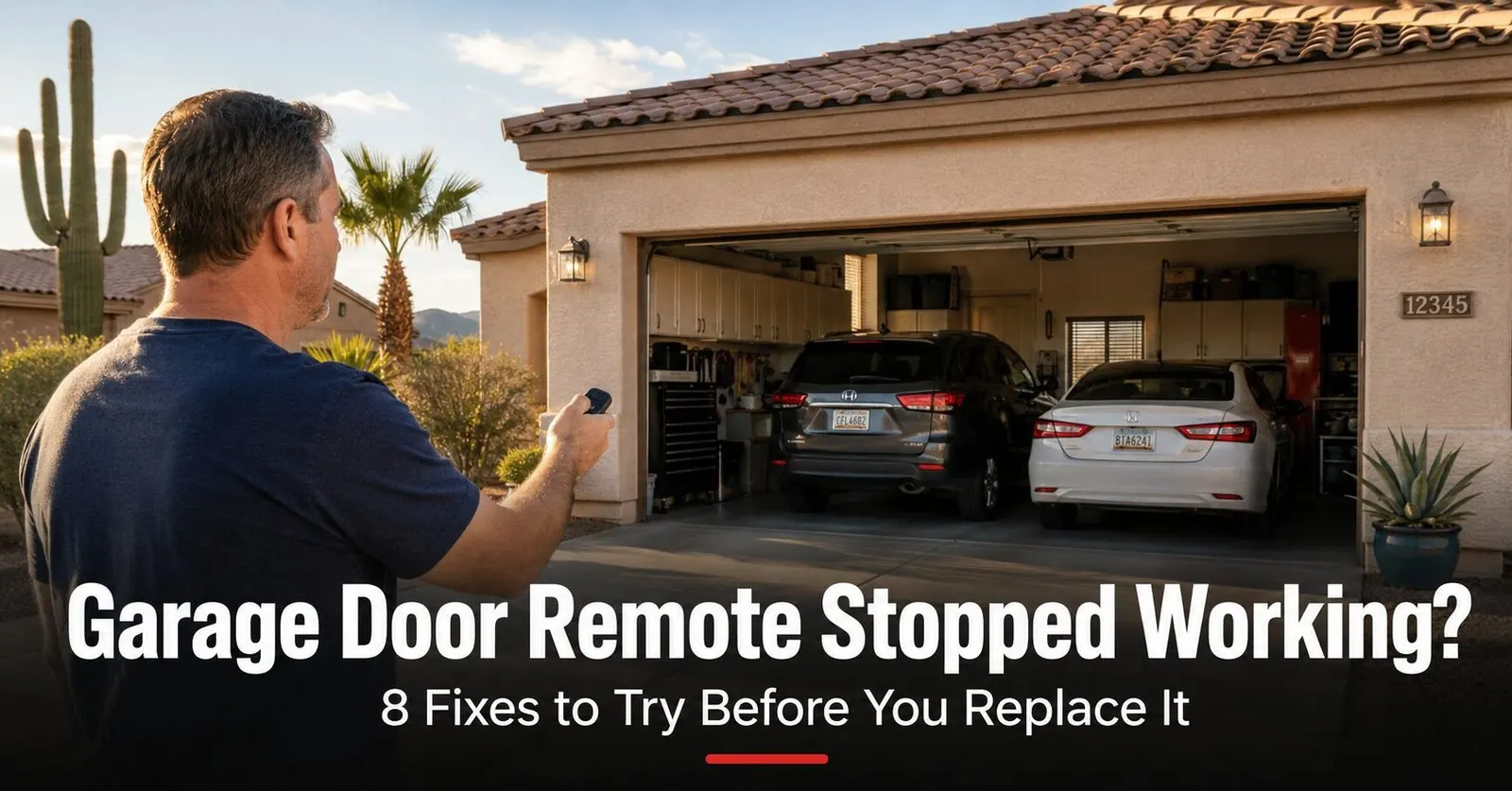
You pull into the driveway, press the remote clipped to your visor, and… nothing. The door just sits there. You press it again, hold it longer, wave it around — still nothing. It's one of the most common calls we get from neighbors across the East Valley, and the good news is that a remote that's "stopped working" is usually one of the cheapest, fastest things to fix on a whole garage door system. Often it's a battery that gave out a few months early because it spent every afternoon baking in a parked car.
Before you order a replacement or assume the opener is shot, it's worth running through a short checklist. We've ordered the eight fixes below from the most common and easiest to the ones that point toward a service call, so you can stop the moment your door starts working again. Let's get you back in the garage.
Start Here: Is It the Remote or the Opener?
Before changing anything, take 60 seconds to figure out which side of the system is actually failing. This is the same split test our technicians run first, and it saves you from buying a remote when the problem is somewhere else entirely.
- Press the wall control button inside the garage. This is the wired button mounted on the wall. If the door opens and closes normally from it, your opener and motor are healthy — the problem is on the remote side.
- Try a second remote or your car's built-in button. If a different remote (or a HomeLink button in the car) works, your opener is fine and only the one remote is bad. If no remote works but the wall button does, the issue is likely the opener's receiver or antenna.
- If nothing works — not even the wall button — you're not dealing with a remote problem at all. That points to lost power, a tripped outlet, or an opener control-board issue.
8 Fixes to Try Before You Replace the Remote
Work through these in order. Most remotes are back in business by fix 3.
1. Replace the battery (start here — it's the answer most of the time)
A weak battery is the number-one cause of a dead remote, and it's the first thing to rule out. The clue: the remote worked fine yesterday, or its range slowly shrank over weeks before it quit. In Arizona, a remote that lives on a visor or dashboard sits in a car that can top 150 degrees on a summer afternoon, which drains and even ruptures batteries far faster than in milder climates.
2. Check your range and line of sight
A healthy remote should open the door from 75 to 100-plus feet away. If it only works when you're right under the door, that's a classic fading-battery sign — or something blocking the signal. Pressing from inside a metal car, from behind a block wall, or from far down the street can all weaken a marginal signal.
3. Reprogram the remote to the opener
Remotes can lose their programming — a nearby lightning strike, a power surge, or a brownout during peak summer demand can wipe the opener's memory of which remotes it should trust. The remote and battery are fine; the opener simply forgot it. This is more common than people expect during monsoon season, when surges roll through the grid.
4. Inspect the buttons and clean the remote
Remotes get dropped, sat on, and rattled around in cup holders for years. A button can stick, crack, or wear out, and grit or a spilled drink can gum up the contacts underneath. If one button works and another doesn't, or a button feels mushy or stays pressed, the remote hardware is the problem.
5. Rule out signal interference (especially new LED bulbs)
This one surprises people. Cheap or unshielded LED bulbs — including ones screwed straight into the opener's own light sockets — throw off radio noise on the same frequencies garage door remotes use. New electronics, a Wi-Fi booster, or even a neighbor's device can do the same. The tell-tale clue: your remote stopped working right after you changed a bulb or plugged in something new in the garage.
6. Power-cycle the opener
Like any small computer, an opener's logic board can occasionally lock up — its remote receiver stops listening even though the door works fine from the wall button. A simple reset clears the glitch and often restores remote operation in one step.
7. Check the opener's antenna wire
Look up at the motor unit on the ceiling. A thin wire — the antenna — should hang down freely from it. That little wire is what receives your remote's signal. If it's been cut, curled up, tucked into the housing, chewed, or damaged, the opener's reach drops sharply, so the remote only works from a few feet away or not at all.
8. Check for heat damage to the remote
Arizona earns this one its own step. We routinely see visor remotes that have warped, cracked, or quit after a summer of triple-digit days in a parked car. Beyond just draining the battery, sustained heat can deform the plastic, loosen solder, and damage the board. If your remote looks discolored, swollen, or warped — or it failed during a heat wave even with a new battery — the remote itself has likely reached the end of the road.
Quick Reference: Common Garage Door Remote Batteries
Before you head to the store, check which battery your remote takes. Most are sold at any grocery, hardware, or drugstore. When in doubt, open the remote and read the marking on the battery itself.
| Remote type | Common battery | Good to know |
|---|---|---|
| Modern visor / keychain remote | CR2032 coin cell | Most LiftMaster, Chamberlain, and Genie remotes from the last decade-plus |
| Older 3-button visor remote | 12-volt A23 | Found in many remotes from the 2000s; check the case before buying |
| Wireless wall keypad | 9-volt or AAA (varies) | Outdoor keypads drain faster in heat; replace yearly as a habit |
| Mini / clicker key fob | CR2032 or CR2016 coin cell | Confirm the exact number printed on the old cell — they look alike |
When to Replace the Remote — and Your Options
If a fresh battery, clean contacts, reprogramming, and a power-cycle all came up empty — or the remote is visibly cracked, warped, or heat-damaged — it's time for a new one. A few things worth knowing before you buy:
- You usually don't need the exact original remote. A compatible or universal remote programmed to your opener works just as well, and it's often easier to find.
- Match the security system, not just the brand. Newer rolling-code openers (Security+ 2.0 and similar) need a compatible remote — a random universal won't always pair. If you're unsure, that's where we come in.
- Consider an upgrade while you're at it. A wireless keypad mounted by the door, or a phone-app setup, means a dead or melted visor remote never locks you out of your own garage again.
- If the wall button works but no remote will pair even after a fresh battery and reprogramming, the opener's receiver board may be the real issue — and on an older opener, a full opener replacement can make more sense than chasing parts.
Not sure which remote or keypad fits your opener? We carry common remotes and keypads on the truck, identify your exact model on-site, and program them on the spot — so you leave with a working door, not a guess. Take a look at our opener and remote service or book a visit online.
Why East Valley Homeowners Call Farnsworth for Opener & Remote Help
Farnsworth Garage Door Service was founded by brothers Brigham and Riley Farnsworth. The Farnsworth name carries 60+ years of business behind it across the East Valley — R&K, Farnsworth Wholesale, Farnsworth Realty — and we run this company the same way our family always has: figure out what's actually wrong first, quote it in writing, then do the work.
- We diagnose before we sell. A dead remote can be a 99-cent battery or a failed receiver — we find out which before quoting a dollar.
- Remotes and keypads on the truck. We identify your opener model on-site and program a compatible remote or keypad right there.
- Same-day service is our standard, often within hours of your call.
- Written, itemized quote before any work begins. The price you agree to is the price on the invoice.
- 5.0 stars on Google. Our neighbors trust us — and tell their neighbors.
Need a hand with a remote, keypad, or opener? Explore opener repair & replacement, our full repair services, or see where we work across the East Valley.
Frequently Asked Questions
Why did my garage door remote suddenly stop working?
The most common reason by far is a dead or weak battery — and in Arizona, heat shortens battery life, so remotes often quit a year or two sooner than the package promises. Other frequent causes are a remote that lost its programming after a power surge or lightning, a stuck or worn button, signal interference from new LED bulbs or electronics, a damaged antenna wire on the opener, or simple range and line-of-sight problems. Start with a fresh battery, then work through the other fixes. If the wall button on the garage wall still opens the door fine but the remote won't, the problem is almost always the remote or its programming, not the opener.
How do I know if it's the remote battery or the opener?
Run a quick split test. Press the wall-mounted control button inside the garage. If the door opens normally from the wall button but not from the remote, the opener and motor are fine — your problem is the remote, its battery, or its programming. If a second remote or your car's HomeLink also fails, the issue may be the opener's receiver or antenna. And if nothing operates the door at all — not the wall button, not any remote — you're looking at an opener power or control-board problem, not a remote problem.
What battery does my garage door remote use?
It depends on the remote. Most modern visor and keychain remotes from LiftMaster, Chamberlain, and Genie use a CR2032 coin-cell battery, which you can pick up at any grocery or hardware store. Some older three-button visor remotes use a 12-volt A23 battery instead. Pop the remote open or check the small print on the case to confirm before you buy. Always replace it with the exact type listed, and use a fresh name-brand battery — bargain cells fade fast in a hot Arizona garage.
How do I reprogram my garage door remote?
On most LiftMaster, Chamberlain, and Genie openers you press and release the LEARN button on the motor unit (the indicator light glows for about 30 seconds), then within that window press and hold the remote button you want to use until the opener light blinks or you hear a click or two. Test it from outside. The exact steps and LEARN-button location vary by brand and model — and some openers require pressing the remote button a few times rather than holding it. If you can't find the LEARN button, the light doesn't respond, or reprogramming won't take, the receiver may have failed and it's worth a quick service call.
Can Arizona heat damage my garage door remote?
Yes, and we see it every summer. A remote clipped to a visor or left on a dashboard can sit in a parked car well over 150 degrees on a Phoenix afternoon, which drains and even ruptures batteries and can warp the plastic or damage the circuit board. The same heat shortens the life of the battery inside a visor remote that lives in the car year-round. If your remote stopped working after a stretch of hot days, start with a fresh battery, inspect for swelling or corrosion in the battery compartment, and keep the spare remote out of direct sun when you can.
Why does my garage door remote only work when I'm close to the door?
Shrinking range is usually one of two things: a weakening battery, or a problem with the opener's antenna. A healthy remote should trigger the door from 75 to 100-plus feet away. As the battery fades, that range drops first before the remote dies completely — so a fresh battery often restores full range. If the battery is new and range is still short, look up at the motor unit for a thin antenna wire hanging down. If it's curled up, cut, tucked into the housing, or broken, it needs to hang freely or be repaired. Nearby LED bulbs and electronics can also create interference that eats into range.
Can LED light bulbs stop my garage door remote from working?
They can. Cheap or unshielded LED bulbs — including some screwed directly into the opener's own light sockets — emit radio noise on the same frequencies garage door remotes use, which can shorten your remote's range or block it entirely. If your remote stopped working right after you swapped in new LED bulbs, that's a strong clue. Try removing the new bulbs to confirm, then switch to LED bulbs rated as garage-door-opener compatible (often labeled for vibration resistance and reduced interference).
When should I replace my garage door remote instead of fixing it?
Replace the remote when a fresh battery, clean contacts, and reprogramming all fail, or when the case is cracked, water-damaged, or heat-warped and buttons stick or feel mushy. The good news is you usually don't have to match the exact original remote — a compatible or universal remote programmed to your opener works fine, and many homeowners take the chance to upgrade to a wireless keypad or a phone-app setup so a dead remote never locks them out again. If you'd rather not sort through compatibility, we carry common remotes and keypads on the truck and can program them on the spot.

Remote Still Won't Work? We'll Get You Back In Today.
Licensed, insured, locally owned. We program remotes and keypads on-site and quote in writing before any work starts. Same-day service across the East Valley.