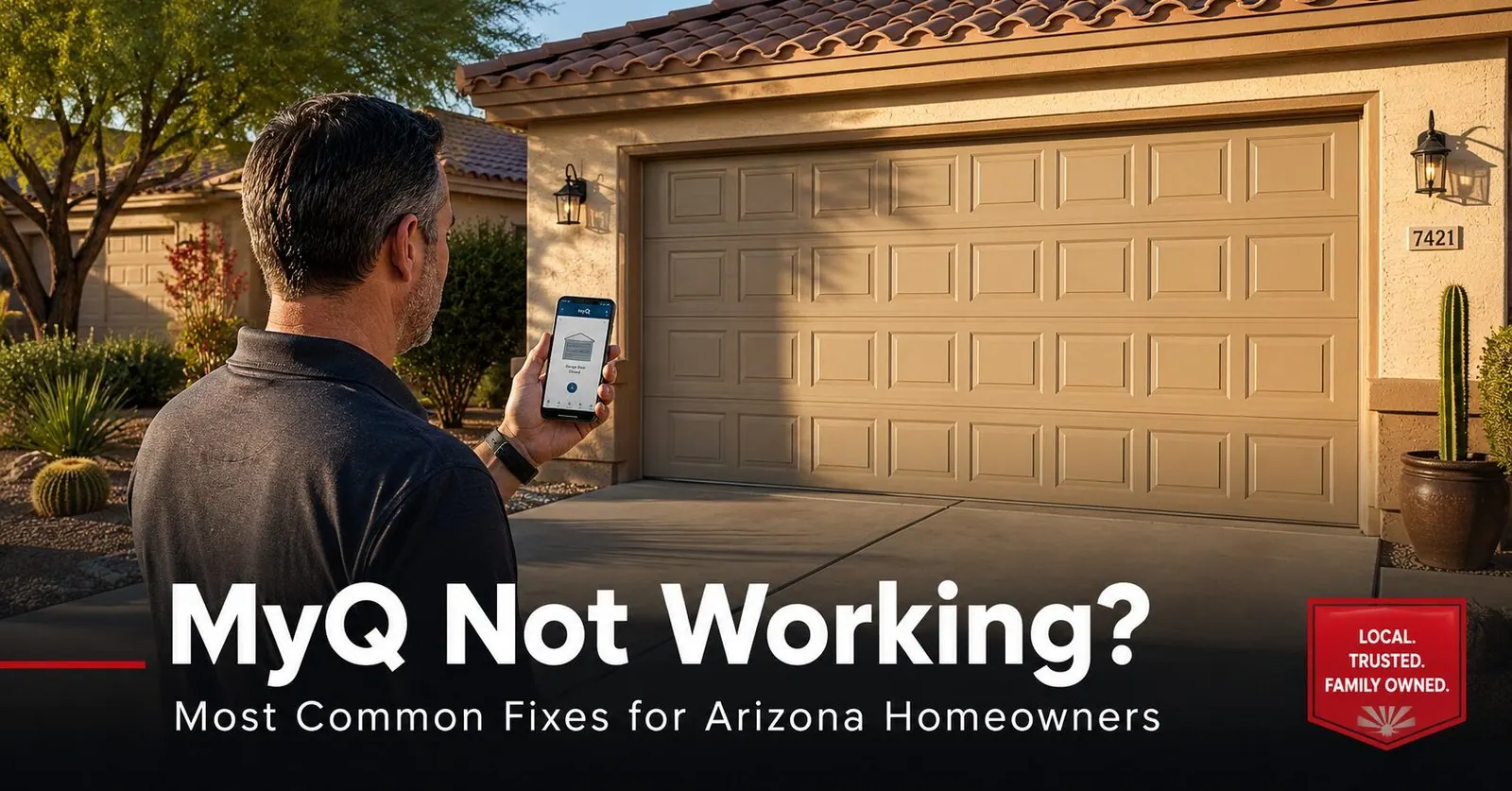
MyQ Not Working? Most Common Fixes for Arizona Homeowners
If MyQ won't open your garage or keeps showing "offline," it's almost always a Wi-Fi problem at the opener, not a broken door. Run these fixes in order:
- Power-cycle the opener — unplug it for 30 seconds, plug it back in, wait a minute.
- Confirm you're on 2.4 GHz Wi-Fi — MyQ does not work on 5 GHz.
- Check Wi-Fi signal at the garage — a weak signal is the #1 cause of dropped connections.
- Wrong door status? Replace the door-sensor battery and realign its magnet.
- Voice control dead? Re-link Alexa/Google and check the MyQ Smart Home Bridge.
Below we walk through each fix step by step — plus the Arizona-specific reasons (heat, distance, monsoon outages) MyQ tends to drop here, and when the problem is the opener itself rather than the app.
You're pulling into the driveway, you tap the MyQ app, and… nothing. Or it stubbornly reads "offline" while the door sits right there, perfectly closed. It's one of the most common calls we get from East Valley homeowners, and the good news is that the large majority of MyQ problems are connection issues you can sort out yourself in a few minutes. MyQ is the cloud platform built into most LiftMaster and Chamberlain openers, and like any Wi-Fi device, it's only as reliable as the network it sits on — and an Arizona garage is one of the tougher spots in the house to keep a stable signal. This guide walks through the fixes our techs run through, in the order we'd try them, and flags the point where it stops being an app problem and becomes a door problem.
Why MyQ Drops Offline (Especially in Arizona)
MyQ talks to your phone through your home Wi-Fi and the cloud. Break any link in that chain and the app loses the door. A few realities of East Valley homes make that chain easier to break than you'd think:
The garage is the far corner of the house. On a lot of Gilbert, Queen Creek, and San Tan Valley homes, the router lives in a back office or living room and the garage is the farthest point from it — through two or three interior walls. By the time the signal reaches the opener on the ceiling, it's faint, and a faint connection drops first.
Monsoon power outages. Summer storms knock the power out, and when it comes back your router and your opener both reboot — not always in the order they need to. The opener can come up looking for a network that isn't ready yet, then sit there "offline."
Heat on the electronics. A closed Arizona garage bakes all afternoon, and that's hard on any Wi-Fi router or range extender you've parked out there, as well as on the opener's own radio. Heat-stressed electronics get flaky before they fail outright.
None of this means your opener is broken. It means the network is the usual suspect — so that's where we start.
Fix 1: Power-Cycle the Opener
The single most effective MyQ fix is also the simplest: give the opener a full power cycle. It clears a stuck Wi-Fi connection and forces the radio to rejoin your network fresh.
- Unplug the opener from the ceiling outlet (or flip its breaker)
- Wait a full 30 seconds — don't rush it
- Plug it back in and let it sit for a minute or two
- Open the MyQ app and check whether the door reconnects
If you just came back from a power outage, reboot your internet router first, let it fully come online for two or three minutes, then power-cycle the opener. Order matters — the opener needs a network that's already up and stable to latch onto.
Fix 2: Get on the Right Wi-Fi Band
This trips up more homeowners than any other single issue: MyQ only connects to a 2.4 GHz Wi-Fi network. It will not join a 5 GHz network. Most modern routers broadcast both bands under the same network name and hand your devices whichever one they please — which means setup can quietly fail because your phone is on 5 GHz and the opener can't follow.
2.4 GHz also happens to be the better band for a garage: it's slower but it travels farther and punches through walls better than 5 GHz, so it's exactly what you want for a device tucked at the far end of the house.
- Log into your router's app or settings page
- Look for a 2.4 GHz network (some routers let you split the bands or name them separately)
- During MyQ setup, connect your phone to the 2.4 GHz network first
- Double-check the Wi-Fi password — it's case-sensitive, and a single wrong character is a common culprit
If your router only shows one combined network and won't let you separate the bands, your internet provider can usually walk you through it over the phone, or our tech can sort it out on a visit.
Fix 3: Check the Signal at the Garage
If MyQ connects but keeps dropping back to "offline," weak Wi-Fi at the opener is the most likely reason. The opener needs a strong, usable signal where it lives — up near the garage ceiling, often the farthest point from your router.
An easy test: stand next to the opener with your phone and check your Wi-Fi bars on the same 2.4 GHz network. If it's one or two bars, or it keeps dropping, the opener is fighting the same weak signal. A door-mounted opener at the back of a deep garage on a big East Valley lot is a classic dead-zone.
- Add a Wi-Fi range extender or a mesh point in or near the garage
- Move the router higher and more central if it's tucked behind furniture
- Keep any extender out of direct sun and off the hottest wall — heat shortens its life in a closed AZ garage
- Re-test at the opener after each change before re-running MyQ setup
Fix 4: Wrong Door Status (Open When It's Closed)
If the connection is fine but the app shows the door open when it's actually closed — or won't update at all — the culprit is the wireless door sensor, not the opener. That small battery-powered sensor mounts on the upper section of the door and tells MyQ whether the door is up or down.
- Replace the sensor's battery — a weak battery is the #1 cause of status problems
- Check that the sensor and its magnet line up within about half an inch when the door is closed
- Make sure neither piece has been knocked loose or shifted by door vibration
- Open and close the door fully so the app can re-sync the new reading
Heat and the daily slam of a garage door work fasteners loose over time, so a sensor that drifts out of alignment after a year or two is common here. If a fresh battery and realignment don't fix it, the sensor itself may need replacing.
Fix 5: Voice Control and Third-Party Apps
Sometimes the MyQ app works perfectly but Alexa, Google Home, or a smart-home dashboard has stopped controlling the door. Voice and third-party control run through a separate link, so they can break on their own.
Alexa or Google Home stopped working
Many setups rely on the MyQ Smart Home Bridge to connect older openers to Google and Alexa. If that bridge loses Wi-Fi, voice commands stop even though the app is fine. Confirm the bridge is plugged in and connected, then re-link your Google or Alexa account in the app's settings. (For safety, most assistants will close a door by voice but require a PIN or extra step to open it — that's by design, not a bug.)
A third-party app or hub stopped working
If an unofficial app or smart-home integration suddenly lost control of your door, here's the likely reason: Chamberlain — which makes LiftMaster and Chamberlain MyQ openers — restricted third-party access to MyQ back in 2023. That broke a number of outside integrations. The dependable paths today are the official MyQ app and the manufacturer's own bridge for voice control. It's a policy change, not a fault in your opener.
Fix 6: Factory Reset and Re-Pair
If the app is stuck or the opener simply won't reconnect after everything above, a full reset gives you a clean slate. After this you'll set MyQ up from the beginning, so have your Wi-Fi password handy.
- Unplug the opener for 30 seconds, then restore power
- Press and hold the LEARN button on the back of the opener for about 15 seconds, until the lights flash
- Release the button to clear the saved network
- Open the MyQ app and run the "add device" setup from scratch on your 2.4 GHz network
Quick Troubleshooting Table
The fastest way to match your symptom to the likely fix:
| What you're seeing | Most likely cause | First thing to try |
|---|---|---|
| App says "offline" | Lost Wi-Fi connection | Power-cycle the opener (unplug 30 sec) |
| Won't connect during setup | On 5 GHz, or wrong password | Switch to 2.4 GHz; re-type the password |
| Connects, then drops repeatedly | Weak signal at the garage | Add a range extender or mesh point |
| Wrong door status | Door-sensor battery or alignment | Replace battery; realign magnet within 0.5" |
| Voice control dead | Bridge offline or unlinked | Check bridge; re-link Alexa/Google |
| Stopped after a storm | Router/opener rebooted out of order | Reboot router first, then the opener |
When to Call a Technician
MyQ troubleshooting is mostly Wi-Fi work you can handle yourself. But some symptoms point past the app to the opener or the door — and those are worth a professional look:
- The door misbehaves, not just the app. If it reverses, won't fully close, or runs rough, that's a mechanical or safety-sensor issue — see our notes on general garage door repair.
- You've done everything and it still won't hold a connection. An aging logic board or a failing Wi-Fi module inside the opener can cause chronic drops nothing else fixes.
- The opener is simply old. Older units have spotty MyQ support and weaker radios; sometimes the reliable fix is a newer opener. Our opener repair and replacement service covers both.
- Your remote or keypad also quit. If connectivity and physical controls fail together, that's an opener problem — our remote and keypad service can help.
Why East Valley Homeowners Call Farnsworth for Opener Help
Farnsworth Garage Door Service was founded by brothers Brigham and Riley Farnsworth. The Farnsworth name has 60+ years of family business across the East Valley behind it — R&K, Farnsworth Wholesale, Farnsworth Realty — and we run this company the way our family always has: tell the truth, put the price in writing, and fix the actual problem instead of upselling around it.
- We tell you straight whether it's connectivity or hardware. If your MyQ trouble is really a Wi-Fi fix you can do free, we'll say so.
- LiftMaster, Chamberlain, Genie, and more — we work on the openers East Valley homes actually have.
- Smart-opener setup done right — Wi-Fi, sensor, and voice integration configured so it stays connected.
- Same-day service is our standard, often within hours of your call.
- 5.0 stars on Google. Our neighbors keep us busy by telling theirs.
Need a hand with a smart opener? See our opener repair & replacement page, book online at book an appointment, or check where we work across the East Valley.
Frequently Asked Questions
Why does my MyQ keep saying offline?
An offline status almost always means the opener has lost its connection to your home Wi-Fi. The most common causes in Arizona homes are a weak Wi-Fi signal reaching the garage, the opener trying to use the wrong band (MyQ needs 2.4 GHz, not 5 GHz), or a router or power hiccup after a monsoon storm. Start by power-cycling the opener: unplug it for 30 seconds, plug it back in, and give it a minute to reconnect. If it goes offline again, the next thing to check is Wi-Fi signal strength at the opener itself.
Does MyQ work on 5 GHz Wi-Fi?
No. MyQ openers and the MyQ Smart Home Bridge only connect to a 2.4 GHz Wi-Fi network — they will not join a 5 GHz network. Many modern routers broadcast both bands under one name, which can confuse the setup. If MyQ won't connect, log into your router and either temporarily separate the bands or create a dedicated 2.4 GHz network for the opener. The 2.4 GHz band also reaches farther through walls, which helps in a garage that sits away from the router.
How do I reconnect MyQ to Wi-Fi?
First confirm your home Wi-Fi is up and that you are on a 2.4 GHz network. Open the MyQ app, go to the device's Wi-Fi settings, and follow the prompts to rejoin your network — you will need your Wi-Fi password, which is case-sensitive. If the opener won't appear or won't connect, power-cycle it (unplug 30 seconds), move closer during setup, and check that the password has no typos. If it still fails, the signal at the garage may be too weak and you may need a Wi-Fi extender or mesh point nearer the opener.
Why does MyQ show the wrong door status (open when it's closed)?
Wrong door status is almost always the wireless door sensor, not the opener. That small sensor mounts on the upper part of the door and reports whether the door is open or closed. If its battery is low or the magnet has drifted out of alignment, the app stops getting accurate readings. Replace the sensor battery, confirm the sensor and its magnet line up within about half an inch when the door is closed, then open and close the door to let the app re-sync.
Why did my MyQ stop working with Alexa or Google Home?
Voice control runs through a separate link, so it can break even when the MyQ app itself works fine. Many older setups need the MyQ Smart Home Bridge to talk to Google Home or Alexa, and if that bridge loses Wi-Fi the voice commands stop. Confirm the bridge is powered and connected, then re-link your Google or Alexa account in the app's settings. Note that for security reasons most voice assistants can close a garage door by voice but require a PIN or extra confirmation to open it.
Why did MyQ stop working in my third-party app?
Chamberlain, which makes LiftMaster and Chamberlain MyQ openers, restricted third-party access to MyQ back in 2023. That broke several unofficial integrations and smart-home dashboards that used to control the door. The reliable paths today are the official MyQ app and, where supported, the manufacturer's own bridge for Google or Alexa. If a third-party app or hub stopped controlling your door, that policy change is the likely reason rather than a fault with your opener.
My MyQ stopped working after a power outage — what do I do?
Arizona's summer monsoon outages knock both your router and your opener offline at once, and they don't always reconnect in the right order when power returns. Give your internet router two or three minutes to fully boot first, then power-cycle the opener (unplug 30 seconds and plug back in). Once the router's Wi-Fi is stable, the opener should rejoin on its own. If it doesn't, re-run the Wi-Fi setup in the MyQ app.
When should I call a technician instead of troubleshooting MyQ myself?
Call a technician when the connectivity is fine but the door itself misbehaves — it reverses, won't fully close, runs roughly, or the opener is old enough that MyQ support is spotty. Those are mechanical or opener-hardware issues, not app issues. It's also worth a call if you've power-cycled, confirmed 2.4 GHz Wi-Fi, replaced the sensor battery, and the opener still won't hold a connection, since an aging logic board or failing Wi-Fi module may be the real cause. At that point a new or upgraded opener is often the more reliable fix.

Smart Opener Still Won't Behave?
Licensed, insured, locally owned. We'll diagnose whether it's a quick Wi-Fi fix or the opener itself, and put any quote in writing before we do a thing. Same-day service is our standard, often within hours of your call.