HomeLink Garage Door Programming: Step-by-Step for Most Cars
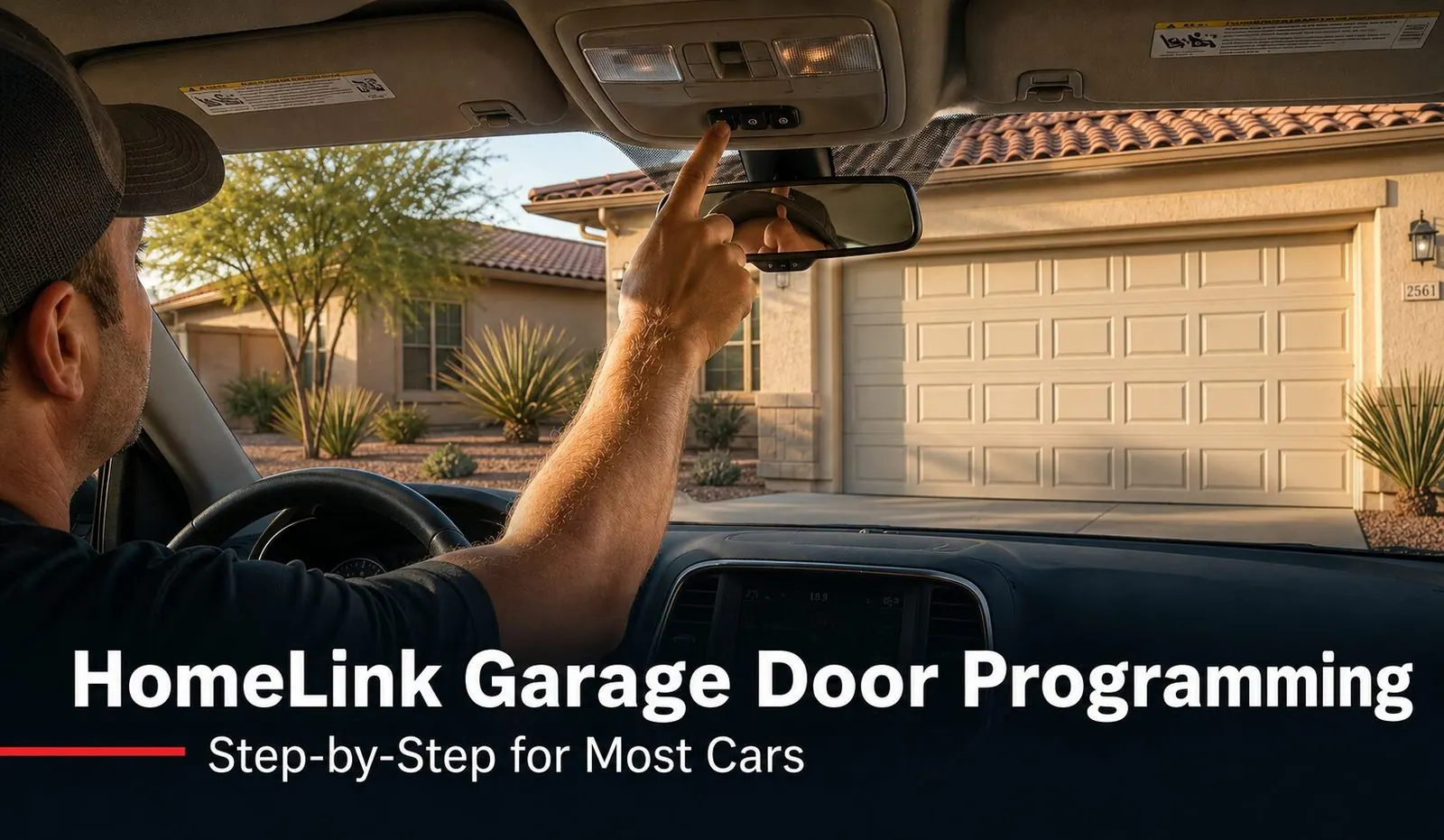
To program HomeLink to your garage door, turn the ignition to ON (don't start the engine), then press and hold the HomeLink button until its indicator light flashes — usually 15 to 30 seconds. What you do next depends on your opener:
- Older fixed-code opener: hold your existing remote about an inch from the HomeLink button and press it until the HomeLink light changes. Done — no ladder needed.
- Newer rolling-code opener (most units from the last 15 years): after HomeLink flashes, walk to the opener motor on the ceiling, press its LEARN button, then come back and tap the HomeLink button up to three times to finish the sync.
The motor-head LEARN-button step is the part almost everyone misses on newer openers. The rest of this guide walks both methods step by step, explains why HomeLink stops working, and covers the Arizona-heat wrinkle that trips people up here.
HomeLink is the little row of buttons built into your car's overhead console, visor, or rearview mirror that lets you open the garage without a clip-on remote. It's been standard in most vehicles for years, and when it works, it's the most convenient way to get into your home. When it won't program, though, it's one of the most frustrating ten minutes a homeowner can spend — mostly because the instructions in the glovebox manual rarely explain the one step that actually matters. We get these calls weekly across Mesa, Gilbert, Chandler, and Queen Creek, so here's the clear version, written from what actually works in driveways.
Step One: Find Your HomeLink Buttons
Before you program anything, locate the HomeLink controls in your specific car. On most vehicles they're a row of two or three small buttons in one of three places:
- The overhead console near the dome light (most common)
- The driver's sun visor
- Built into the rearview mirror
Look for three buttons grouped together, often with a small house-shaped icon and a tiny indicator light nearby. Some newer cars route HomeLink through the touchscreen instead of physical buttons. If you can't find any of these, your trim level may not include HomeLink, or your manufacturer may use a different name for the same feature — in which case your owner's manual will point you to it. Have your existing garage remote with you and a fresh battery in it before you start; a weak remote is the single most common reason programming fails partway through.
Which Method Does Your Opener Need?
Nearly every HomeLink headache comes down to one question: is your opener fixed-code or rolling-code? The programming starts the same for both, but rolling-code openers need an extra step at the motor head. Here's how to tell them apart and what each one needs.
| Opener type | How to tell | What HomeLink needs |
|---|---|---|
| Fixed code (older) | Roughly pre-2000; remote has small DIP switches inside; no security/learn label on motor | Capture the signal straight from your handheld remote — no ladder |
| Rolling code (newer) | Most LiftMaster, Chamberlain, and Genie units from the last ~15 years; a LEARN button on the motor head | Capture, then press the LEARN button on the opener motor to finish the sync |
| Not sure | Try the fixed-code method first | If HomeLink flashes but the door never moves, it's rolling code — do the LEARN step |
If you'd rather not guess, look on the back or side of the opener motor on your garage ceiling. A clearly labeled LEARN button (often beside the antenna wire or under the light lens) means rolling code. If your opener is more than 15 years old and showing its age, it may also be worth reading our overview of when an opener is worth replacing rather than nursing along.
Programming an Older Fixed-Code Opener
This is the simplest case. You're teaching HomeLink to mimic the signal your existing handheld remote already sends, so everything happens from inside the car.
- Turn the ignition to ON or ACC — don't start the engine.
- Press and hold the HomeLink button you want to use until its indicator light begins to flash (about 15 to 30 seconds), then release.
- Hold your existing garage remote about one inch from the HomeLink button and press and hold the remote's button.
- Watch the HomeLink light: when it changes from a slow flash to a rapid flash or steady on, the code is captured. Release both buttons.
- Press the HomeLink button once to test. The door should move. If it doesn't, repeat from step two with a fresh remote battery.
Programming a Newer Rolling-Code Opener
Rolling-code openers (LiftMaster Security+ 2.0, Chamberlain, Genie Intellicode and similar) change their code every time the door runs, for security. That means HomeLink can't just copy your remote — the opener has to formally agree to talk to it. You'll need a step stool to reach the motor on the ceiling.
- Turn the ignition to ON or ACC — engine off.
- Press and hold the HomeLink button until its light flashes (15 to 30 seconds). If your remote still has a code, you can hold it an inch away and press it here too; either way, continue to the next step.
- Go to the opener motor on the garage ceiling and find the LEARN button — usually near the antenna wire or under the light lens. Press and release it. You typically have about 30 seconds.
- Back at the car, press the HomeLink button up to three times (press, wait a beat, press again) until the opener's light flashes or the door clicks — that confirms the sync.
- Test by pressing HomeLink once. The door should open. If nothing happens, repeat from step two; you may have run out the 30-second window.
How to Clear or Erase HomeLink
There are two times you'll want to wipe HomeLink: when you buy a used car (so the previous owner can't open your garage), and when you move into a new home and the buttons are still programmed to your old place.
To clear all HomeLink buttons at once: turn the ignition to ON, then press and hold the two outer HomeLink buttons together for about 15 to 20 seconds until the indicator light flashes. That erases every stored channel. Note that this clears everything, so you'll reprogram each door afterward.
To reprogram a single button without disturbing the others, you usually don't need to erase first — just hold that one button and run the programming steps again, and it overwrites whatever was stored.
Why HomeLink Stops Working
HomeLink that worked fine and then quit is usually one of these four things:
You replaced the car battery
Disconnecting or swapping your vehicle battery can wipe stored HomeLink settings on some cars. The fix is simple — reprogram the buttons using the steps above.
Your car is due for a HomeLink refresh
Many manufacturers build in a HomeLink security refresh roughly every ten years. It's intentional, and the dealership can usually perform it at no charge. If your car is around that age and HomeLink suddenly won't hold a program, this is a likely culprit.
You replaced the garage door opener
A new opener almost certainly uses a different encoding system than the one HomeLink was matched to, so the old programming no longer lines up. Reprogram against the new unit — and if the new opener is rolling-code, remember the LEARN-button step.
The rolling code drifted out of sync
Occasionally a rolling-code counter falls out of sync after a long stretch, and HomeLink stops triggering the door even though nothing else changed. A quick reprogram resyncs it.
The Arizona Heat Wrinkle
Here's the local detail that trips up East Valley homeowners more than anywhere else: heat is brutal on the small battery inside your handheld garage remote — and that battery is exactly what the fixed-code HomeLink method depends on. A remote that lives clipped to the visor of a car parked in the sun all summer, or a keypad mounted on a west-facing wall taking direct afternoon sun, burns through batteries far faster than the same device would in a milder climate.
So if HomeLink won't capture a code from your remote, don't assume the system is broken — swap in a fresh battery first. We've driven out for "HomeLink won't program" calls that turned out to be a dying remote battery cooked by a few Phoenix summers. Over many years, that same relentless heat can also age the opener's internal electronics, so if an older opener is acting inconsistently across the board — not just with HomeLink — it may be telling you it's near the end of its life.
When to Call a Technician
Most HomeLink programming is a do-it-yourself job once you know about the LEARN button. But it's worth a call to a local tech when:
- You've done the LEARN step correctly and the door still won't respond — the opener's logic board or receiver may be failing.
- Your opener is so old it has no LEARN button and HomeLink won't capture it — you may need a compatibility bridge or a modern opener.
- HomeLink works but the door reverses, stutters, or runs roughly — that's a door or safety-sensor issue, not a programming one. Our garage door repair team can sort out what's actually happening.
- You're replacing the opener anyway and want HomeLink, your remotes, and any keypads set up correctly the first time.
We work throughout the East Valley and Phoenix metro, and same-day service is our standard, often within hours of your call.
Why East Valley Homeowners Call Farnsworth for Opener Help
Farnsworth Garage Door Service was founded by brothers Brigham and Riley Farnsworth. The Farnsworth name has 60+ years of family business across the East Valley behind it — R&K, Farnsworth Wholesale, Farnsworth Realty — and we run this company the way our family always has: tell the truth, put the price in writing, and do the work right the first time.
- We program it all in one visit. HomeLink, handheld remotes, wall keypads, and your phone app set up correctly before we leave.
- We work on every major brand — LiftMaster, Chamberlain, Genie, and more — so we know each one's quirks.
- Straight answers on repair vs. replace. If your opener has years left, we'll say so; if it's failing, we'll show you why.
- Same-day service is our standard, often within hours of your call.
- 5.0 stars on Google. Our neighbors keep us busy by telling theirs.
Need a hand with your opener or a full opener replacement? See where we work across the East Valley or book online anytime.
Frequently Asked Questions
How do I program HomeLink to my garage door?
Start the same way for almost every car: turn the ignition to ON or ACC (don't start the engine), then press and hold the HomeLink button you want to use until its small indicator light begins to flash — usually 15 to 30 seconds. From there it depends on your opener. If you have an older fixed-code opener, hold your existing remote an inch from the HomeLink button and press it while HomeLink is flashing until the light changes; that captures the code and you're done. If you have a newer rolling-code opener (most LiftMaster, Chamberlain, and Genie units from the last 15 years), you also have to walk to the opener motor on the ceiling, press its LEARN button, then come back and tap the HomeLink button up to three times to finish the handshake. The motor-head LEARN step is the part most people miss.
Why won't my HomeLink program to my new opener?
The most common reason is that the opener uses a rolling code (LiftMaster Security+ 2.0, Chamberlain, or Genie Intellicode) and the LEARN-button step on the motor head was skipped. With rolling-code openers, holding your handheld remote up to HomeLink only captures half the security handshake — the opener never agrees to talk to the new transmitter until you press its LEARN button and then tap HomeLink to complete the sync. Walk to the opener motor, find the LEARN button (often under a light cover or next to the antenna wire), press it, and within 30 seconds tap your HomeLink button up to three times. If it still won't take and your car is more than about ten years old, your vehicle may need a HomeLink security refresh from the dealership.
Do I need the LEARN button on the opener to program HomeLink?
Only for rolling-code openers, which is most openers made in the last 15 years or so. Fixed-code openers (older units with DIP switches inside the remote) can be programmed by capturing the signal directly from your existing handheld remote — no ladder required. Rolling-code openers change their code every time the door is used for security, so HomeLink has to be formally introduced to the opener using the LEARN button on the motor head. If you're not sure which type you have, try the remote-capture method first; if HomeLink flashes but the door never responds, that's your sign it's a rolling-code opener and you need the LEARN-button step.
Why did my HomeLink stop working after years of working fine?
A few things cause this. Replacing your car battery can wipe the stored HomeLink settings, so you'll need to reprogram. Many vehicles also require a HomeLink security refresh roughly every ten years — it's a built-in feature, and the dealership can usually do it at no charge. If you replaced your garage door opener, the new motor likely uses a different encoding system, so the old HomeLink programming no longer matches and you'll reprogram against the new unit. And occasionally the rolling-code counter simply drifts out of sync after long periods, which a quick reprogram fixes.
Where is the HomeLink button in my car?
On most vehicles the HomeLink buttons are a row of two or three buttons on the overhead console near the dome light, on the driver's sun visor, or built into the rearview mirror. Look for three small buttons grouped together, often with a tiny house-shaped icon and an indicator LED nearby. Some newer cars route HomeLink through the touchscreen instead of physical buttons. If you can't find any of those, your trim level may not include HomeLink, or it may be under a different name like Car2U or an in-dash app — check your owner's manual for the exact location and label.
How do I erase or clear HomeLink programming?
To clear all HomeLink buttons at once — which is what you want when you buy a used car or move into a new home — turn the ignition to ON, then press and hold the two outer HomeLink buttons together for about 15 to 20 seconds until the indicator light flashes. That wipes every stored channel. To reprogram a single button without clearing the others, you generally don't need to erase first; just hold that one button and run through the programming steps again, and it overwrites whatever was there. Always clear a used car's HomeLink so the previous owner can't open your garage.
Can Arizona heat affect HomeLink or my garage remote?
Heat doesn't erase HomeLink itself, but it absolutely shortens the life of the small battery in your handheld garage remote — and a weak remote is the number-one reason a fixed-code HomeLink program fails midway. A remote left baking in a parked car all summer, or a keypad mounted in direct afternoon sun, runs through batteries far faster than the same device in a milder climate. If HomeLink won't capture a code from your remote, swap in a fresh battery before assuming the system is broken. Heat can also age the opener's internal electronics over many summers, which is worth keeping in mind if an older opener starts behaving inconsistently.

Opener Acting Up? We'll Get It Sorted.
Licensed, insured, locally owned. Whether it's HomeLink, a balky remote, or an opener on its last legs, we'll diagnose it straight and set everything up right the first time. Same-day service is our standard, often within hours of your call.