Tesla HomeLink to Garage Door Setup: What Works in 2026
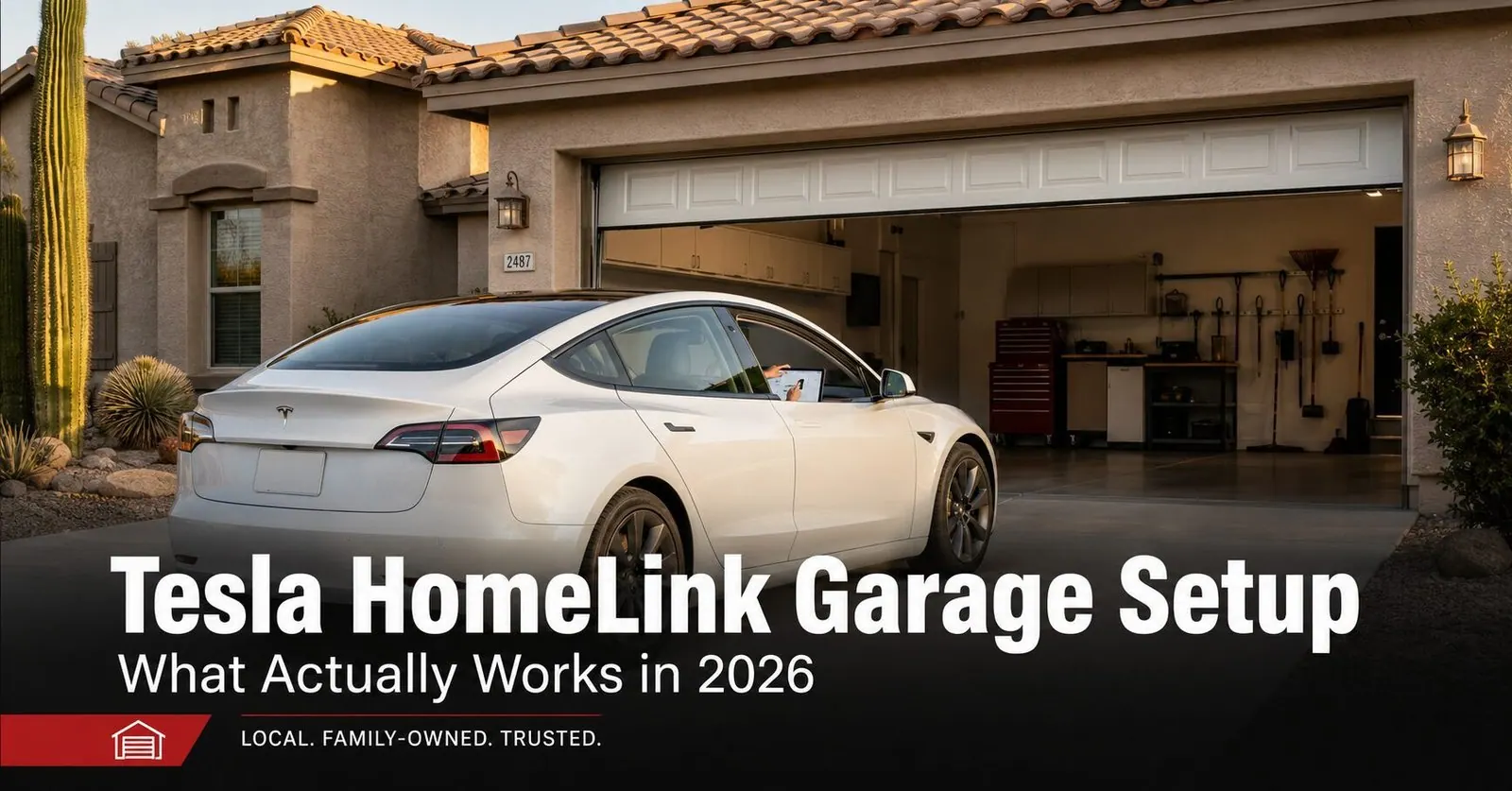
In 2026 there are two ways to control your garage door from a Tesla, and which one fits depends on your opener and your Wi-Fi:
- The HomeLink module: a hardware add-on for Model 3 and Model Y (Tesla sells it separately; it's installed by Tesla service or a capable DIYer). It talks straight to your opener by radio, works with almost any opener, and needs no Wi-Fi or subscription.
- myQ Connected Garage: a software integration built into the touchscreen — no extra hardware, but it needs a myQ-compatible opener, solid garage Wi-Fi, and a paid myQ subscription.
For a newer rolling-code opener, both methods require the same easy-to-miss move: pressing the LEARN button on the opener motor. The rest of this guide walks both paths, the auto open/close feature, why it won't connect, and the Arizona-heat detail that trips people up here.
If you just picked up a new Tesla in the East Valley, one of the first things you'll want is the garage opening for you on the way home — no clip-on remote, no fumbling. The catch is that Tesla changed how this works, and a lot of the older "press and hold the visor button" advice online no longer matches what's actually in the car. We get questions about this constantly from homeowners across Mesa, Gilbert, Chandler, and Queen Creek, so here's the current, 2026 version — both paths, in plain language, written from what actually works in driveways.
First: Does Your Tesla Even Have HomeLink?
This is where most people get stuck before they start. On Model 3 and Model Y, HomeLink is not built in from the factory — it's a separate hardware module Tesla sells through its online shop. The part ships to a Tesla service center, and it's installed either at a service appointment or by handy owners who are comfortable with the job. Some other Tesla models include the HomeLink hardware from the factory.
The fastest way to know what your car has: look at the top of the touchscreen or open Controls and check for a small house-shaped HomeLink icon. If it's there, the module is installed and you're ready to program. If it isn't, you have two choices — add the HomeLink module, or skip the hardware entirely and use the myQ software path below. Both control the same garage; they just get there differently.
Path 1: The Tesla HomeLink Module
The HomeLink module communicates directly with your opener by radio, the same way a handheld remote does. That means it works with almost any opener — including older rolling-code units — and doesn't depend on your home internet at all. Here's the setup once the module is installed:
- Park the car within about 30 feet of the garage, with the door closed.
- On the touchscreen, tap the HomeLink (house) icon or go to Controls, then create a new HomeLink and give it a name like "Home Garage."
- When prompted, hold a working garage remote near the center console so the car can learn the signal.
- Rolling-code opener? Walk to the opener motor on the ceiling, press its LEARN button (usually near the antenna wire or under the light lens), then return to the car within about 30 seconds.
- Tap the on-screen HomeLink button until the door responds, then test it once more to confirm.
Path 2: myQ Connected Garage (No Module)
If your opener is myQ-compatible, Tesla can control it through software — no HomeLink hardware required. This path also gives you phone-app control and door-status alerts on top of in-car control. The trade-offs: it needs a strong 2.4 GHz Wi-Fi signal reaching the garage and a paid myQ subscription.
- Make sure your opener is set up in the myQ app first and is working from your phone.
- In the Tesla, go to Controls → Locks → myQ Connected Garage.
- Tap Link Account and sign in with your myQ credentials.
- Follow the on-screen steps to pair the garage to the vehicle.
- Test from the touchscreen, then turn on auto features if you want hands-free arrival.
HomeLink Module vs. myQ at a Glance
Both control your garage from the touchscreen and both can open the door automatically as you arrive. Here's how they actually differ:
| Feature | HomeLink module | myQ Connected Garage |
|---|---|---|
| Extra hardware | Yes — module purchased and installed | None |
| Works with which openers | Almost any opener, including older units | Only myQ-compatible openers |
| Needs Wi-Fi | No — talks to the opener by radio | Yes — strong 2.4 GHz at the garage |
| Ongoing cost | None after install | Paid myQ subscription |
| Phone-app control + alerts | Not included | Yes |
| Best for | Simple, reliable, no-subscription control | myQ owners who want app alerts too |
If your opener is aging or isn't myQ-compatible, it can be worth weighing a modern opener replacement that's built for smart control rather than retrofitting around an old unit.
Auto Open and Auto Close
The feature most Tesla owners actually want is the door opening by itself as they pull up. Both paths can do it. They use your car's GPS to draw a geofence around your home, so the garage can open automatically as you approach the driveway and close behind you as you leave — no buttons at all. With the HomeLink module, you switch on Auto Open and Auto Close in the HomeLink settings; with myQ, the auto controls live in the myQ section of the screen.
Why Your Tesla Won't Connect to the Garage
When a Tesla setup fails, it's almost always one of these — and most are quick fixes:
You skipped the LEARN button (rolling-code openers)
By far the most common cause. The car captured the remote signal, but the opener was never told to accept the new transmitter. Press LEARN on the opener motor, then tap the HomeLink button on the touchscreen up to three times within about 30 seconds.
You were parked too far away
Setup needs the car close to the opener — roughly within 30 feet, door closed. Pull in, then program.
The remote you trained from has a weak battery
If HomeLink learns from a handheld remote with a dying battery, the capture can fail partway. Drop in a fresh battery and try again before assuming anything is broken.
Weak garage Wi-Fi (myQ path)
myQ depends on a stable 2.4 GHz signal at the opener. If it connects sometimes and drops other times, that's usually a coverage problem, not a Tesla problem.
The opener is simply too old
An opener with no LEARN button at all may not pair with HomeLink, and one that isn't myQ-compatible can't use that path either. In those cases a modern opener is the cleanest fix.
The Arizona Heat Wrinkle
Here's the local detail that catches East Valley owners off guard: heat is brutal on the small battery inside any handheld remote you train from, and a weak remote is a common reason a HomeLink capture quits halfway. A remote that lives in a car baking in the sun all summer burns through batteries far faster than the same one would in a milder climate, so if a capture won't take, swap in a fresh battery first.
The bigger long-term issue is the opener itself. Years of Phoenix-area summers age an opener's logic board, motor, and sensor wiring. If a Tesla setup that used to work starts dropping out — and a plain wall button is also acting up — that's a sign the opener may be near the end of its life, not the car's fault. Reliable in-car control always starts with a healthy, well-maintained opener and door.
When to Call a Technician
Most Tesla garage setups are a do-it-yourself job once you know about the LEARN button. It's worth a call to a local tech when:
- You've done the LEARN step correctly and the door still won't respond — the opener's logic board or receiver may be failing.
- Your opener has no LEARN button and isn't myQ-compatible — you may need a modern opener to get smart control at all.
- The door opens but reverses, stutters, or runs roughly — that's a door or safety-sensor issue, not a programming one.
- You want auto-close, but you're not confident your photo-eye sensors are aligned and working.
- You're replacing the opener anyway and want HomeLink, remotes, keypads, and the app all set up correctly the first time.
We work throughout the East Valley and Phoenix metro, and same-day service is our standard, often within hours of your call.
Why East Valley Tesla Owners Call Farnsworth
Farnsworth Garage Door Service was founded by brothers Brigham and Riley Farnsworth. The Farnsworth name has 60+ years of family business across the East Valley behind it — R&K, Farnsworth Wholesale, Farnsworth Realty — and we run this company the way our family always has: tell the truth, put the price in writing, and do the work right the first time.
- We set up the whole system in one visit. HomeLink or myQ, handheld remotes, wall keypads, and safety sensors checked before we leave.
- We work on every major brand — LiftMaster, Chamberlain, Genie, and more — so we know each one's quirks with smart control.
- Straight answers on repair vs. replace. If your opener has years left, we'll say so; if it's the reason your Tesla won't connect, we'll show you why.
- Same-day service is our standard, often within hours of your call.
- 5.0 stars on Google. Our neighbors keep us busy by telling theirs.
Need help getting your Tesla and garage talking, or a full opener replacement? See where we work across the East Valley or book online anytime.
Frequently Asked Questions
Does a Tesla come with HomeLink built in?
Not automatically. Model 3 and Model Y do not include HomeLink as standard equipment — it's a separate hardware module Tesla sells through its online shop. The part ships to a Tesla service center and is installed either at a service appointment or by capable DIYers. Once it's in, you control your garage from the car's touchscreen. Some other Tesla models include HomeLink hardware from the factory, so the quickest way to know what your car has is to look for a HomeLink (house-shaped) icon at the top of the touchscreen or under Controls. No icon usually means no module is installed yet. If you'd rather not add hardware at all, the myQ Connected Garage software path is the alternative, covered in this guide.
How do I set up HomeLink on my Tesla with a rolling-code opener?
Park the car inside about 30 feet of the garage with the door closed. On the touchscreen, tap the HomeLink (house) icon or go to Controls, then create a new HomeLink and give it a name. The car will ask you to hold a working garage remote near the center console while it learns the signal. For a rolling-code opener — most LiftMaster, Chamberlain, and Genie units from the last 15 years — that capture is only half the job: you then walk to the opener motor on the ceiling, press its LEARN button, return to the car within about 30 seconds, and tap the on-screen HomeLink button until the door responds. The motor-head LEARN step is the part most people miss, and skipping it is the number-one reason a Tesla won't trigger a newer opener.
Can I open my garage with a Tesla without the HomeLink module?
Yes, if your opener is myQ-compatible. Tesla supports a myQ Connected Garage integration that runs entirely in software — no HomeLink hardware required. You link your myQ account through Controls, then Locks, then myQ Connected Garage on the touchscreen, and after that you can open and close the door from the screen and let it open automatically as you arrive. The trade-off is that myQ needs a myQ-capable opener, a stable 2.4 GHz Wi-Fi signal reaching the garage, and a paid myQ subscription. If your opener isn't myQ-compatible or your Wi-Fi doesn't reach the garage reliably, the HomeLink hardware module is the better route because it talks straight to the opener by radio and needs no internet.
Does a Tesla open the garage automatically when I get home?
It can, with either path. Both the HomeLink module and the myQ Connected Garage integration use your car's GPS location to set up a geofence around your home. Once it's enabled, the garage can open automatically as you approach the driveway and close behind you as you pull away, so you never touch a button. With HomeLink you turn on Auto Open and Auto Close in the HomeLink settings; with myQ the auto features live in the myQ section of the touchscreen. The convenience is real, but make sure your safety sensors are working correctly before relying on auto-close — an automatic door coming down needs working photo-eye sensors to reverse if something is in the way.
Why won't my Tesla HomeLink connect to my garage door opener?
The most common cause is a skipped LEARN-button step on a rolling-code opener — the car captured the remote signal but the opener was never told to accept the new transmitter. Walk to the opener motor, press LEARN, then tap the HomeLink button on the touchscreen up to three times within about 30 seconds. Other frequent causes: you were parked too far from the garage during setup, the handheld remote you trained from has a weak battery, or you ran out of the short LEARN-mode window and need to start over. If the opener is very old and has no LEARN button at all, HomeLink may not be able to pair with it, and a modern opener is usually the cleanest fix.
Tesla HomeLink module or myQ — which should I use?
Choose the HomeLink module if you want the most reliable, hands-off control with no monthly cost — it communicates directly with the opener by radio, works with almost any opener including older rolling-code units, and doesn't depend on Wi-Fi or the internet. The trade-off is the one-time cost of the hardware and installation. Choose myQ Connected Garage if your opener is already myQ-compatible, your Wi-Fi reaches the garage well, and you want phone-app control and door-status alerts in addition to in-car control — keeping in mind it requires a paid subscription. Many homeowners are happiest with the HomeLink module for everyday driving and skip the subscription, but the right answer depends on your specific opener and Wi-Fi setup.
Can Arizona heat affect my Tesla garage setup or my opener?
Heat won't erase your HomeLink or myQ programming, but it does shorten the life of the small battery in any handheld remote you train from — and a weak remote is a common reason a HomeLink capture fails partway through, so install a fresh battery before you assume the system is broken. The bigger long-term issue is the opener itself. Years of Phoenix-area summers age an opener's logic board, motor, and sensor wiring, so if a Tesla setup that worked fine starts behaving inconsistently — and a plain wall button is also acting up — the opener may be near the end of its life rather than the car being at fault. Reliable in-car control always starts with a healthy opener.
New Tesla? We'll Get Your Garage Talking to It.
Licensed, insured, locally owned. Whether it's HomeLink, myQ, balky safety sensors, or an opener on its last legs, we'll diagnose it straight and set everything up right the first time. Same-day service is our standard, often within hours of your call.