
Garage Door Keypad Not Working? Common Fixes and When to Replace
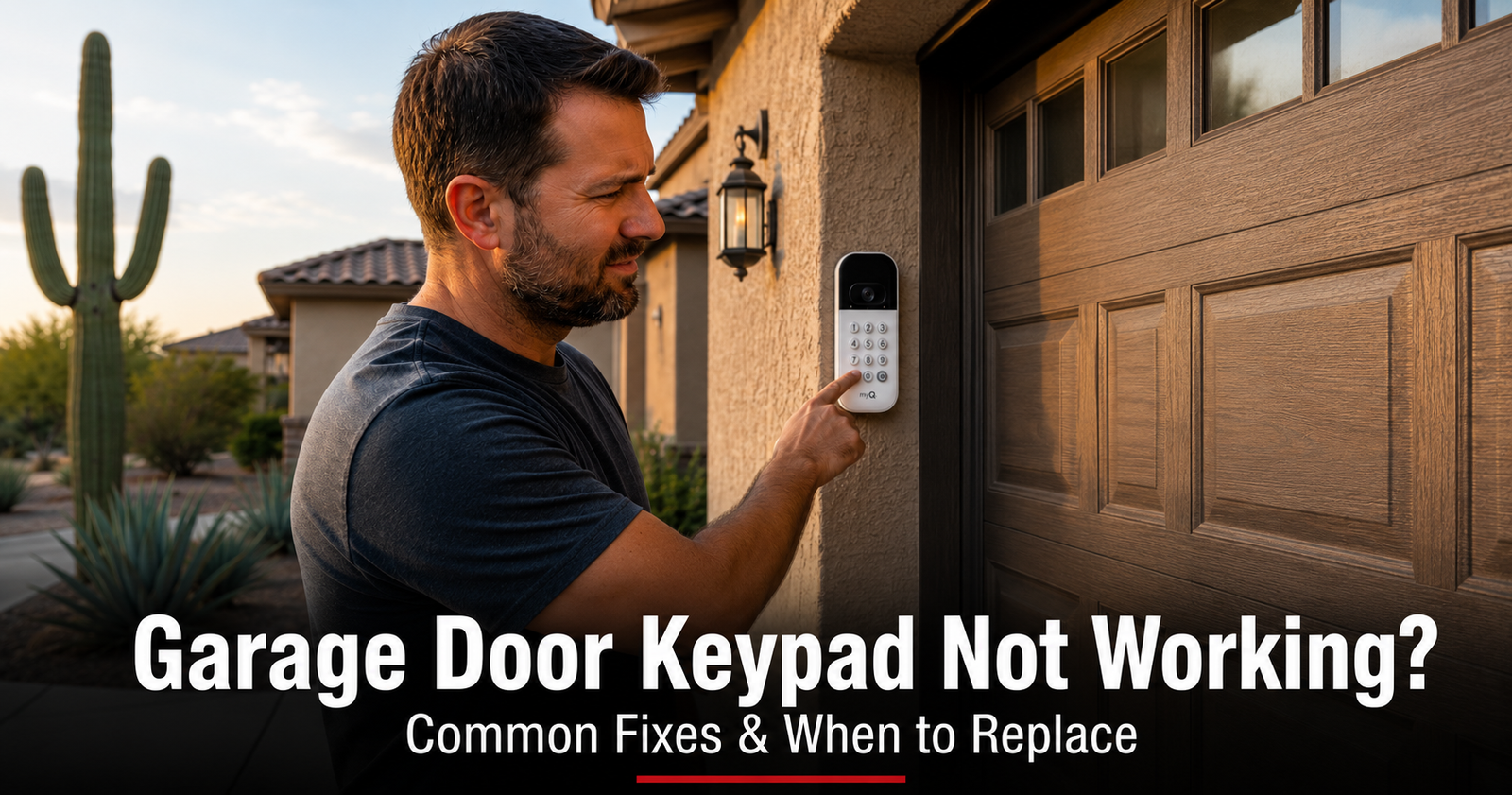
You walk up to the garage, punch in the code you've used a hundred times, and… nothing. No beep, no hum, no door. Maybe the buttons don't even light up. A dead keypad is one of those small annoyances that feels like a big deal at 6 a.m. when your hands are full — but the good news is that a keypad is the simplest part of your whole garage door system, and most of the time the fix is quick and inexpensive.
We get these calls from neighbors all over the East Valley, and the cause is almost always one of a handful of things. We've ordered the fixes below from the most common and easiest to the ones that point toward a service call, so you can stop the moment your door starts working again. Let's get you back inside.
Start Here: Is It the Keypad or the Opener?
Before you change anything, take a minute to figure out which part is actually failing. This is the first thing our technicians check, and it keeps you from buying a new keypad when the real problem is somewhere else.
- Open the door another way. Press the wall button inside the garage, or click your remote. If the door opens normally, the opener and motor are healthy — your problem is on the keypad side.
- Watch the keypad backlight. Press any key and look at the buttons. If nothing lights up at all, you almost certainly have a dead battery. If the keys do light up but the door won't move, you have power — the issue is the PIN or the keypad's pairing with the opener.
- If the remote and wall button also fail, you're not dealing with a keypad problem at all. That points to lost power, a tripped outlet, or an opener control-board issue — a different repair.
7 Fixes to Try Before You Replace the Keypad
Work through these in order. Most keypads are back in business by fix 3.
1. Replace the battery (start here — it's the answer most of the time)
A dead or weak battery is the number-one cause of a keypad that won't respond, and it's the first thing to rule out. The tell-tale sign: the keys don't light up at all when you press them. Because keypads are mounted outside on the doorframe or wall, that battery bakes in direct Arizona sun all summer and tends to quit a season or two early.
2. Re-enter your PIN — slowly and correctly
It sounds obvious, but a surprising number of keypad "failures" are just a mis-pressed code. Worn buttons, gloves, a sticky digit, or simply rushing can throw off the entry. Some keypads also require you to press a SEND or # key after the code, or to wake the pad with a button press before the code registers.
3. Reset the PIN and reprogram the keypad to the opener
If the keypad lights up but the door won't move, the keypad has usually lost its pairing with the opener — common after a monsoon power surge, a brownout during peak summer demand, or a long-dead battery. The keypad is fine; the opener simply no longer recognizes it.
The exact button sequence varies by brand, but the process is the same everywhere: clear the old code, set a new PIN, then re-pair to the opener using its LEARN button.
- Enter programming mode. On many current LiftMaster and Chamberlain keypads, press and hold the * and # buttons together until the lights stop blinking (about five seconds). Genie, Overhead Door, and other brands use their own sequence.
- Set a new 4-digit PIN and press # to save it. The lights flash to confirm.
- Press the LEARN button on the opener motor. Its indicator light glows for about 30 seconds.
- Within that window, enter your PIN + # at the keypad. The opener light blinks to confirm. Test the code from outside.
4. Check for faded, cracked, or sticky buttons
This is the most Arizona-specific failure of all. A keypad in full sun for a few years gets its number labels bleached off, its rubber button membrane cracked and brittle, and the digits you press most often worn smooth. When the membrane fails, certain keys stop registering even though the rest of the pad still lights up — so the door responds to some codes but not others, or not at all.
5. Look for dust and moisture inside the housing
Our climate is hard on outdoor electronics in two directions. Fine desert dust works past a worn seal and coats the circuit board, while a hard monsoon rain can drive water into a cracked case. Either one corrodes the contacts and causes the keypad to respond intermittently — fine one morning, dead the next.
6. Power-cycle the opener
Like any small computer, an opener's logic board can occasionally lock up — its receiver stops listening even though the door works fine from the wall button. A simple reset clears the glitch and often restores keypad operation in one step.
7. Rule out an opener receiver problem
If a fresh battery, a new PIN, and reprogramming all came up empty — and your remote also won't open the door even though the wall button does — the problem may not be the keypad at all. The opener's radio receiver, which listens for both the keypad and the remote, can fail and stop accepting any wireless signal.
Quick Reference: Keypad Symptoms & Likely Causes
Not sure where to start? Match what your keypad is doing to the most likely cause and the first fix to try.
| What you're seeing | Most likely cause | First thing to try |
|---|---|---|
| No backlight, no response at all | Dead or weak battery | Replace the battery (fix 1) |
| Buttons light up, but door won't move | Lost programming or wrong PIN | Re-enter PIN, then reprogram (fixes 2–3) |
| Some digits work, others don't | Worn or cracked button membrane | Inspect buttons; likely replace (fix 4) |
| Works sometimes, dead other times | Dust or moisture in the housing | Clean contacts, reseal cover (fix 5) |
| Keypad AND remote both fail | Opener receiver problem | Power-cycle, then call a tech (fixes 6–7) |
When to Replace the Keypad — and Your Options
If a fresh battery, a PIN reset, reprogramming, and a good cleaning all came up empty — or the keypad is visibly cracked, sun-faded, water-damaged, or the buttons stick and feel mushy — it's time for a new one. A few things worth knowing before you buy:
- You usually don't need the exact original keypad. A compatible or universal keypad programmed to your opener works just as well, and it's often easier to find.
- Match the security system, not just the brand. Newer rolling-code openers (Security+ 2.0, Intellicode, and similar) need a compatible keypad — a random universal won't always pair. If you're unsure, that's where we come in.
- Choose a keypad built for the heat. A sealed, backlit keypad with a protective cover holds up far better against Arizona sun and monsoon dust than a bargain unit, and it'll likely outlast two of the cheap ones.
- Consider a smart upgrade. Pairing a keypad with a phone-app setup means you have a backup way in if the keypad ever quits, and you can let in a guest or a delivery without sharing your code.
Not sure which keypad fits your opener? We carry common keypads and remotes on the truck, identify your exact model on-site, and program them on the spot — so you leave with a working door, not a guess. Take a look at our opener, remote & keypad service, or book a visit online. If the trouble turns out to be the remote instead, our guide to a remote that stopped working walks through that side too.
Why East Valley Homeowners Call Farnsworth for Keypad & Opener Help
Farnsworth Garage Door Service was founded by brothers Brigham and Riley Farnsworth. The Farnsworth name carries 60+ years of business behind it across the East Valley — R&K, Farnsworth Wholesale, Farnsworth Realty — and we run this company the same way our family always has: figure out what's actually wrong first, quote it in writing, then do the work.
- We diagnose before we sell. A dead keypad can be a cheap battery or a failed opener receiver — we find out which before quoting a dollar.
- Keypads and remotes on the truck. We identify your opener model on-site and program a compatible keypad right there.
- Same-day service is our standard, often within hours of your call.
- Written, itemized quote before any work begins. The price you agree to is the price on the invoice.
- 5.0 stars on Google. Our neighbors trust us — and tell their neighbors.
Need a hand with a keypad, remote, or opener? Explore opener repair & replacement, our full repair services, or see where we work across the East Valley.
Frequently Asked Questions
Why did my garage door keypad stop working?
The most common reason is a dead or weak battery — and because most keypads are mounted outside in full Arizona sun, that battery often quits sooner than the package promises. After the battery, the usual suspects are a PIN that got changed or forgotten, programming that was wiped by a monsoon power surge, faded or cracked buttons from years of sun and heat, and dust or moisture working into the housing and corroding the contacts. Start with a fresh battery, then re-enter or reset your PIN. If the keypad lights up but the door still won't move, the keypad likely lost its pairing with the opener and needs reprogramming.
How do I reset my garage door keypad PIN?
The steps vary by brand, but the idea is the same: clear the old code, set a new PIN, then re-pair the keypad to the opener. On many current LiftMaster and Chamberlain keypads you press and hold the * and # buttons together until the lights stop blinking (about five seconds), enter a new 4-digit PIN, and press # to save it. Then press the LEARN button on the opener motor — its light glows for about 30 seconds — and during that window enter your PIN followed by # at the keypad. Genie, Overhead Door, and other brands use their own button sequence, so check your model's manual or look up the exact steps for your opener before you start.
What battery does a garage door keypad use?
It depends on the model. Many wireless keypads use a single 9-volt battery, while others take one or two AAA batteries — and a few older units use a 12-volt A23. Slide off the keypad cover or flip-up lid and check before you buy. Because keypads live outside in the heat, replace the battery with a fresh name-brand cell, not a bargain one, and consider swapping it once a year as routine maintenance so it never dies on you in the driveway.
Why is my garage door keypad lighting up but the door won't open?
If the buttons light up when you press them but the door doesn't budge, you have power — so the problem is almost never the battery. The most likely cause is lost programming: the keypad and opener are no longer paired, often after a power surge or a battery change. Re-enter your PIN, and if that fails, reprogram the keypad to the opener using the LEARN button. If a remote and the wall button also fail to open the door, the issue may be the opener's receiver rather than the keypad, and that's worth a service call.
Can Arizona heat and sun damage a garage door keypad?
Yes, and we see it constantly. A keypad mounted on a west- or south-facing wall takes direct sun and triple-digit heat for years, which fades the number labels, cracks the rubber button membrane, and dries out the seal that keeps dust and monsoon rain out of the electronics. The digits you press most often wear out first, so the buttons can stop registering even while the keypad still lights up. If your keypad is sun-bleached, cracked, or has mushy buttons, it has likely reached the end of its life and is cheaper to replace than to fight.
Do I need to reprogram the keypad after I change the battery?
Usually not. On most keypads the PIN and the pairing with the opener are stored in memory that survives a battery swap, so once you pop in a fresh battery the keypad should work right away. If it doesn't, the battery may have been dead long enough that the memory cleared, or a power event reset things — in that case re-enter your PIN, and if needed reprogram the keypad to the opener with the LEARN button. Always test the new code from outside before you rely on it.
When should I replace my garage door keypad instead of fixing it?
Replace the keypad when a fresh battery, a PIN reset, and reprogramming all fail, or when the case is cracked, sun-faded, water-damaged, or the buttons stick and feel mushy. The good news is you usually don't have to match the exact brand — a compatible or universal keypad programmed to your opener works fine, and many homeowners take the chance to upgrade to a sealed, backlit keypad or a phone-app setup that holds up better in the heat. If you'd rather not sort through compatibility, we carry common keypads on the truck and can program one to your opener on the spot.
Keypad Still Won't Work? We'll Get You Back In Today.
Licensed, insured, locally owned. We program keypads and remotes on-site and quote in writing before any work starts. Same-day service across the East Valley.